GamesAppsWeb

Akando Studio builds games, tools, and the web.

One studio, three kinds of work: published games, developer tools on the Unity Asset Store, and websites and applications built for clients. Designed, engineered, and shipped by the same hands.

The studio sting — 2.4 seconds, generated from the logo itself.

What we do

Three lines of work, one way of working.

They share a stack, a design system, and a standard: nothing ships that we would not run ourselves.

Websites and applications

Marketing sites, booking and catalogue systems, internal tools, APIs. Built to be fast on a phone, readable to a search engine, and maintainable by whoever inherits it.

  • Design and build
  • Server-rendered and accessible
  • Hosting and handover

What that includes

Developer tools

Small, exact utilities for people who build things — published on the Unity Asset Store, and written for client projects when an existing tool does not fit.

  • On the Unity Asset Store
  • Editor and runtime tooling
  • Maintained, not abandoned

See the tools

Games

Playable in the browser with no account and no install. The games have their own home at akandogames.com, where every build is one click away.

  • Browser and Android
  • Released, beta, and in progress
  • akandogames.com

See the games

Selected work

Built for clients

Sites and applications delivered end to end — design, build, hosting, and the handover that lets someone else keep it running.

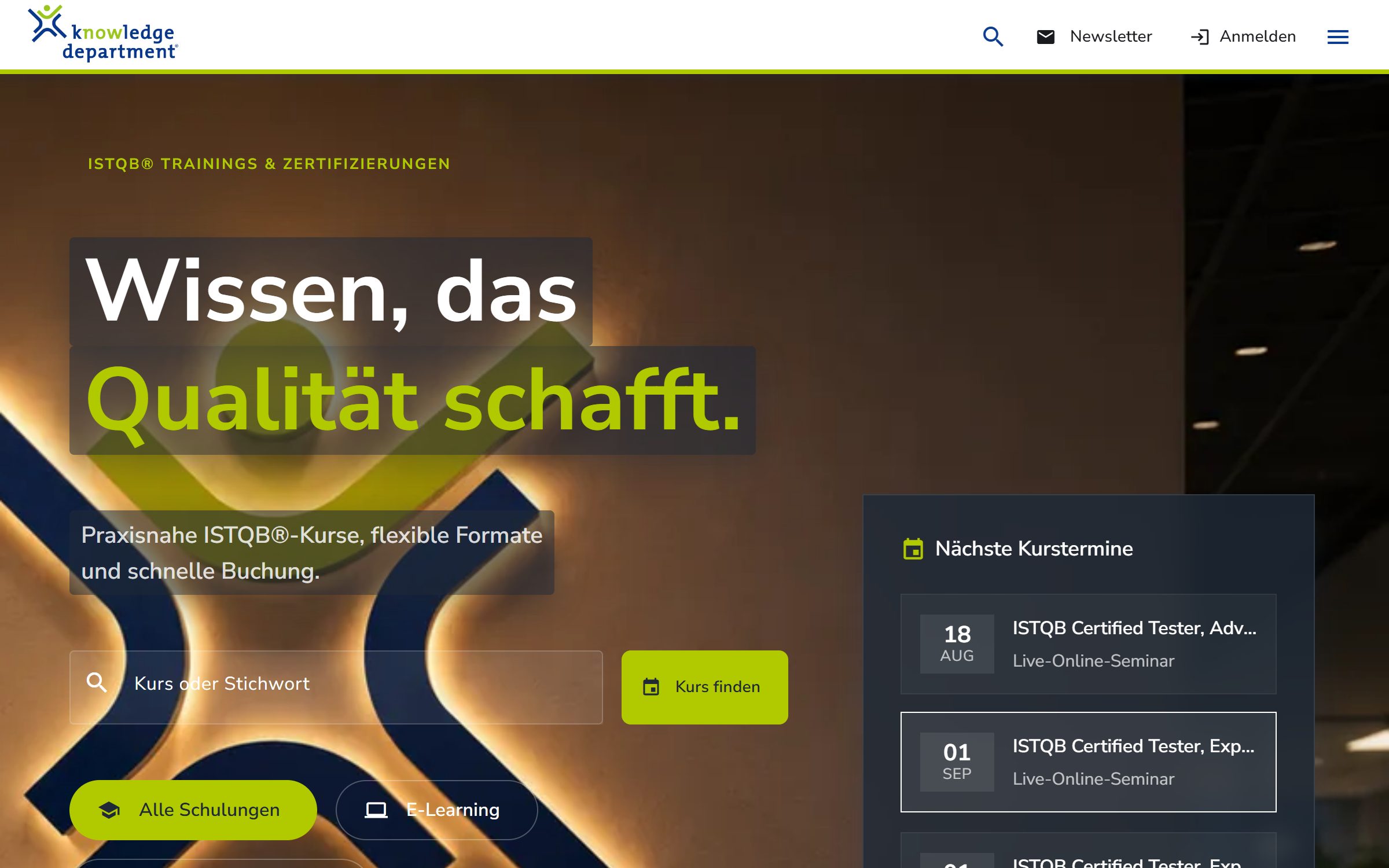
The Knowledge Department home page: course search, next dates, and the brand hero.

Website · Booking 2026

Knowledge Department

A course catalogue and booking site for an accredited ISTQB training provider — dozens of certifications, live dates, and four learning formats, all reachable in a couple of clicks.

  • Course catalogue with live dates, formats, and availability
  • Deep navigation across certification schemes without dead ends
  • Server-rendered pages, so every course is indexable

Tools

On the Unity Asset Store

Small, exact tools for other developers. Published under AkandoGames, maintained by the studio.

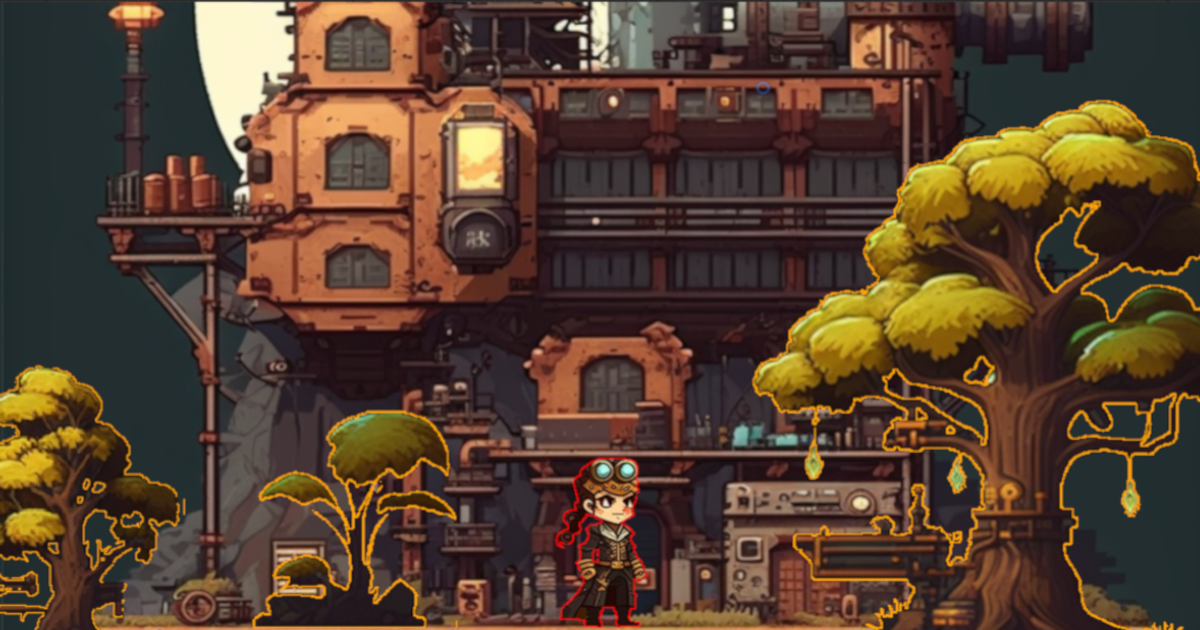
A pixel-art scene where the character and the trees carry a crisp one-pixel outline.

VFX · Shaders

Pixel Perfect Outliner

Outlines and drop shadows for 2D sprites that stay exactly one pixel wide — at any zoom, on any sprite, without smearing into the art.

  • Pixel-accurate outlines that survive scaling and camera zoom
  • Outline, border, and shadow from one shader
  • Drops onto existing sprites without changing the art
Price
€8.73
Version
2.0.2
Unity
6000.0.23
Size
3.7 MB
View on the Asset Store Updated 21 October 2024
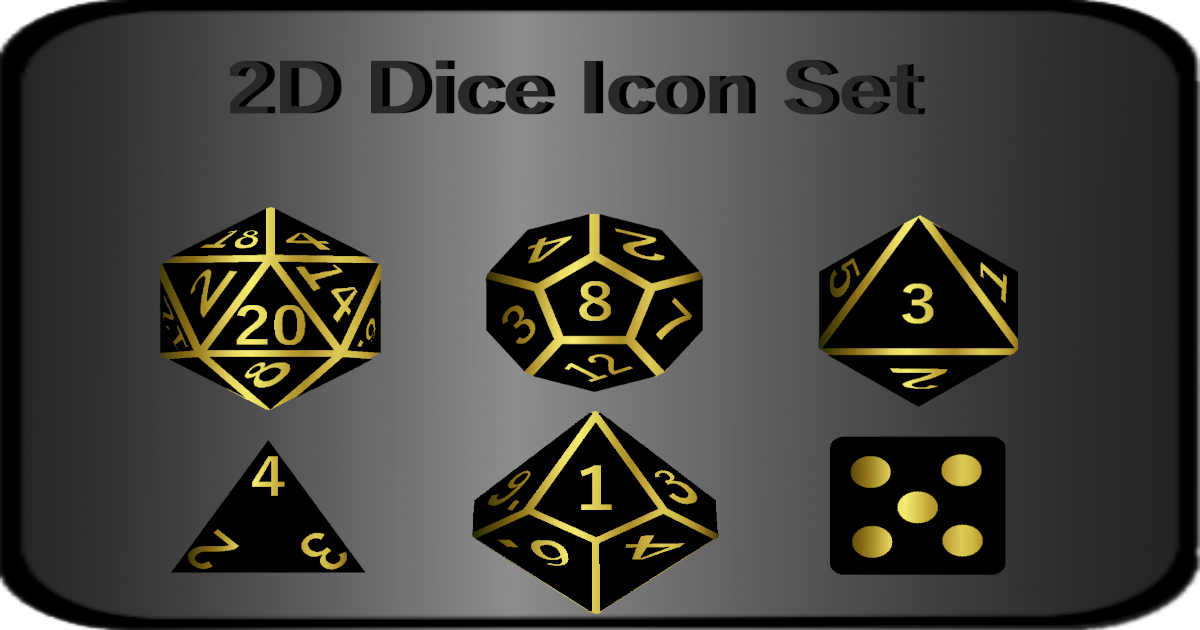
Black and gold dice icons: d20, d12, d8, d4, d10, and a classic six-sided die.

2D · GUI · Icons

2D Dice Icon Set

A clean set of polyhedral dice icons — d4 through d20 — drawn for interfaces rather than for tabletops, in black and gold on transparency.

  • The full polyhedral set, including the standard six-sided die
  • Drawn for UI: readable at button size, transparent background
  • Drops straight into a Unity canvas
Price
€4.59
Version
1.0
Unity
2019.3.0
Size
2.7 MB
View on the Asset Store Updated 30 January 2020

All tools

Games

The games live at akandogames.com

Playable in the browser, no account and no install. The catalogue below is read live from the games site.

Playable

Tenweave

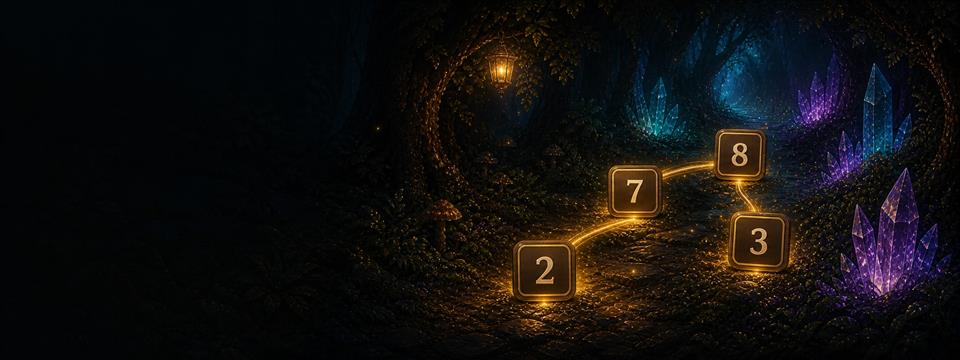
Remove equal numbers or pairs that add up to ten, including pairs connected across cleared spaces. Campaign, daily boards, and generated challenges, with no timer anywhere.

  • Untimed puzzle
  • Campaign and daily boards
  • Android and web
Playable

Swarmward

Place and upgrade defenders around a core while waves approach from the outside. Three campaigns apply the same system at three scales.

  • 3 campaigns
  • 12 worlds
  • Android and web
Dev build

Into Obscurity

Hold to climb, release to fall, and guide a courier aircraft through narrow routes. A playable 20-level framework across four chapters; the routes are still sample layouts.

  • Development build
  • 20-level framework
  • Web

Visit akandogames.com

How it works

From a first message to something live

Four steps, no surprises, and a fixed price agreed before any of the building starts.

  1. You write

    A few lines about what it is for and who uses it. Enough to tell whether it is a fit.

  2. We scope it

    One call, then a written scope: what is being built, what is not, how long, and one price.

  3. It gets built

    You see it running from the first week, on a real address, and can say something while it still costs nothing to change.

  4. It goes live

    Deployed, handed over, and documented. Support afterwards is available but never required.

Start a project

Tell us what you need built.

A website, a web application, a tool, or a game. Describe it in a few lines and you get a straight answer: whether it is a fit, roughly how long it takes, and what it costs.

Start a project